
Download WiFi Manager APK – free wifi manager, android wifi tool, network switching, wireless network utility, best wifi app
Overview
WiFi Manager APK is a free utility designed to streamline the management of wireless networks on Android devices. The application addresses common connectivity challenges by enabling users to switch seamlessly between multiple networks, ensuring optimal performance at all times. It is particularly beneficial for individuals who frequently move between different Wi-Fi environments—such as students, remote workers, and business travelers—where consistent and reliable internet access is essential.
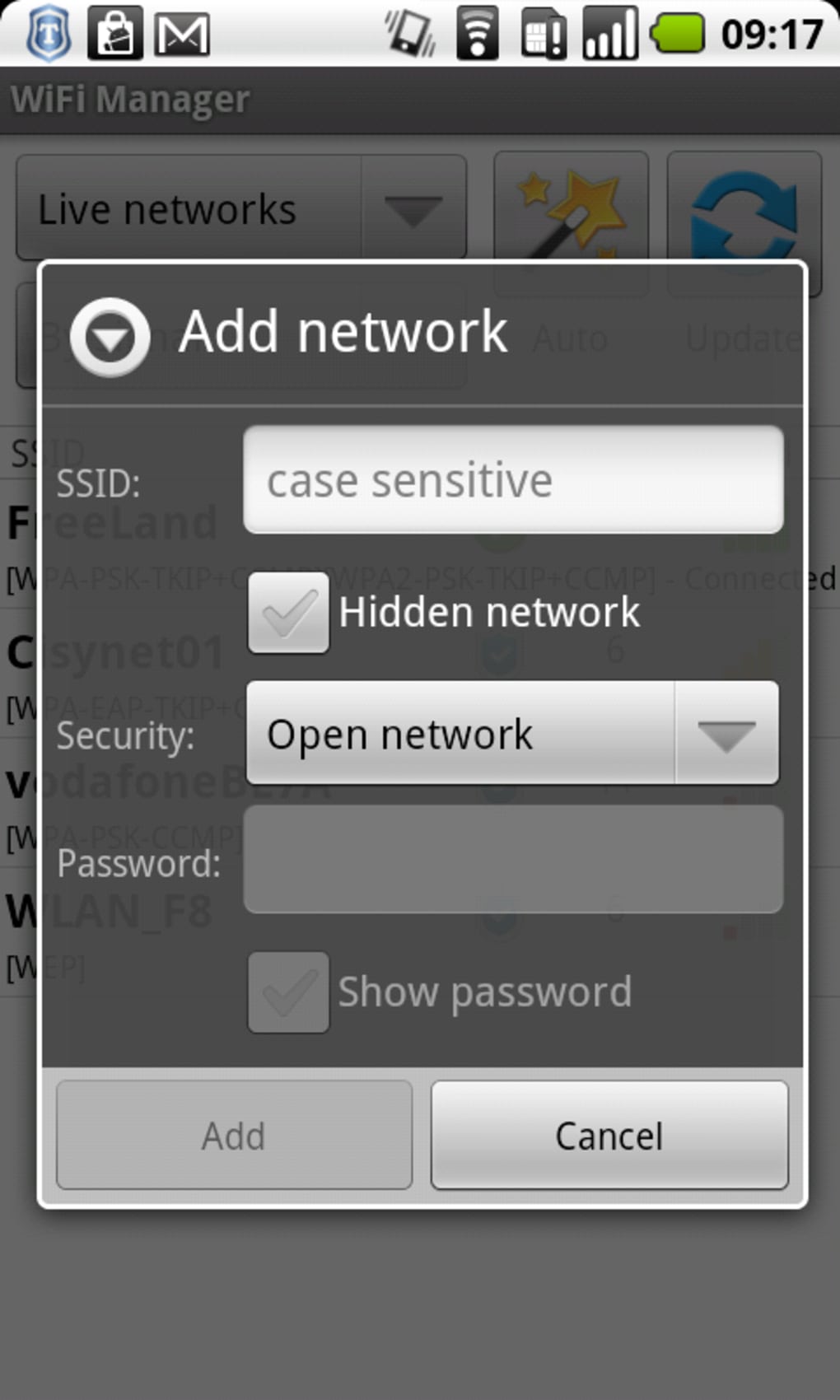
The app simplifies network handling by centralizing all Wi-Fi settings in a single, accessible interface. Instead of navigating through device-specific settings menus, users can manage connections directly through customizable widgets placed on their home screen. This approach enhances usability and reduces the time required to switch networks. The software also supports scanning for available networks, including open ones, and allows users to assign custom names to their saved networks for easier identification.
While the developer is identified as the WiFi Manager Team, no further details about the organization are available. The application is designed with a clean, intuitive interface, prioritizing ease of use without sacrificing functionality. It is suitable for both casual users and those seeking greater control over their network experience. The free version includes core features, with optional upgrades available for advanced tools.
Key Features & Capabilities
- Seamless Network Switching – Automatically detects and switches to the strongest available Wi-Fi network, reducing manual intervention and improving connection stability.
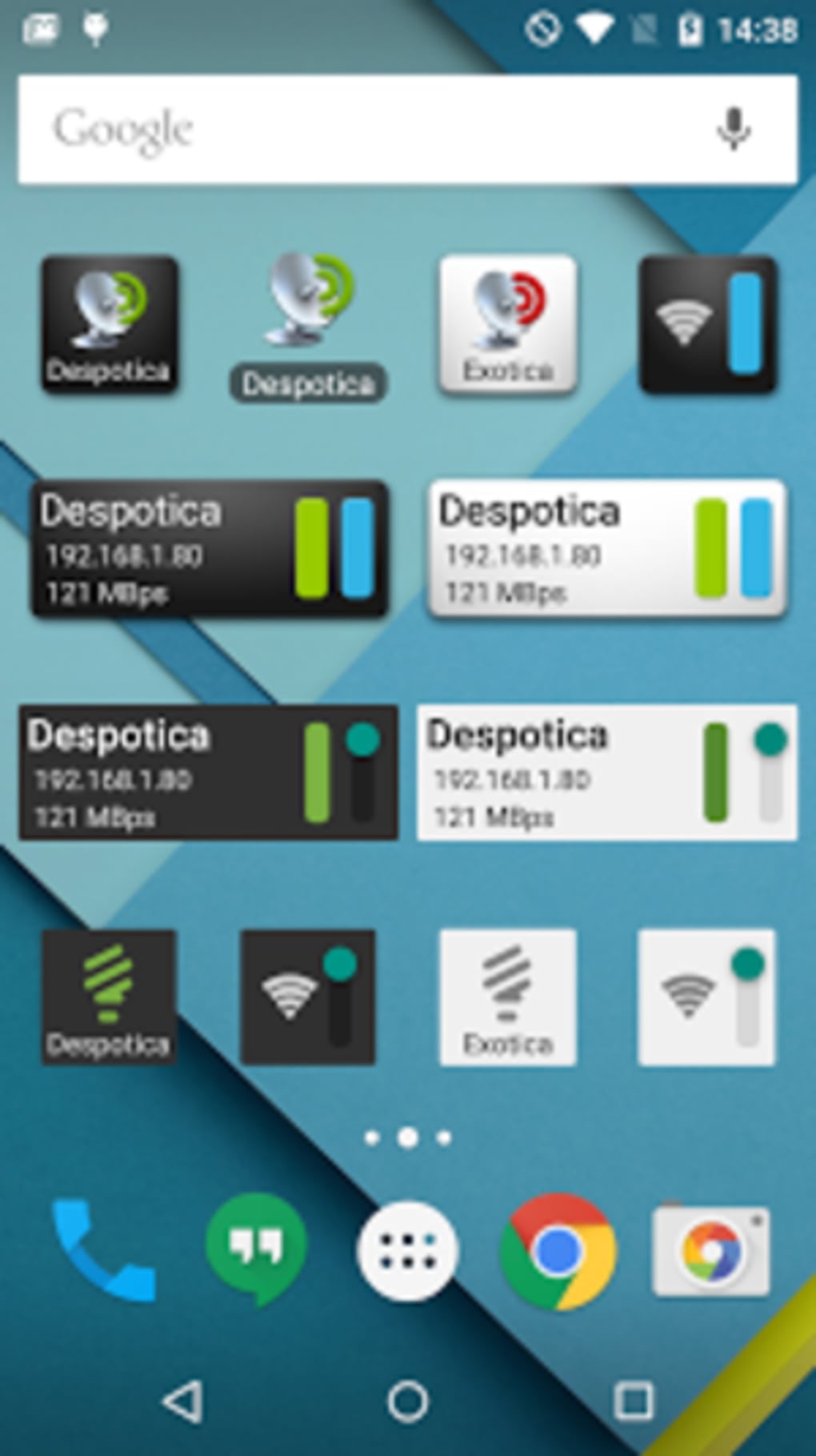
- Customizable Home Screen Widgets – Offers multiple widget styles to display network status, available networks, and quick connection options directly on the home screen.
- Network Scanning & Detection – Performs real-time scans to identify nearby Wi-Fi networks, including open ones, helping users find the best available connection.
- Network Naming & Organization – Allows users to assign custom names to saved networks, improving recall and management efficiency.
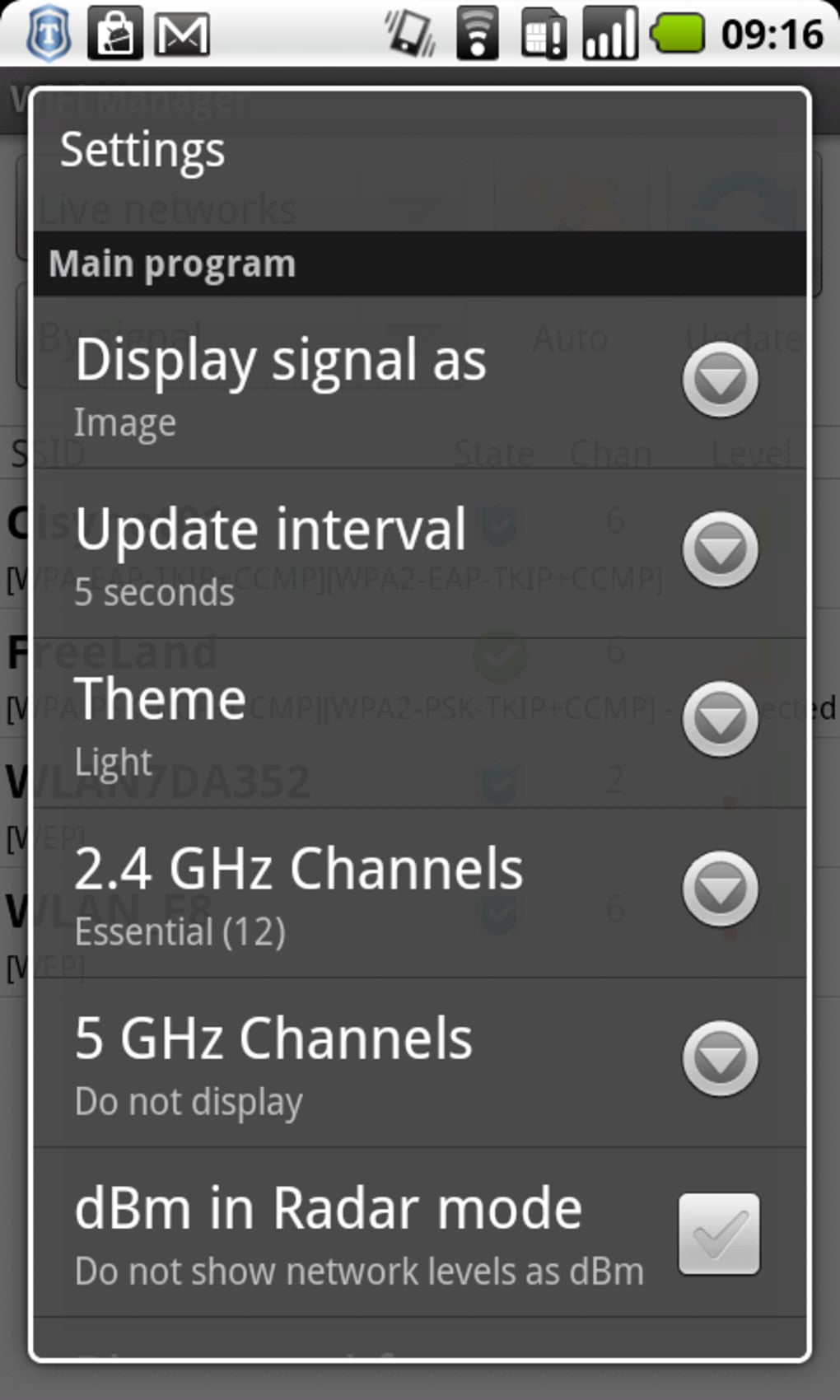
- Signal Strength Visualization – Provides graphical representations of signal strength and channel usage, aiding in troubleshooting weak or congested connections.
- Offline Network Management – Enables full network configuration and switching without requiring an active internet connection.
These features are especially useful in dynamic environments where network performance fluctuates. For example, a remote worker moving between home, coffee shop, and office spaces can use the app to maintain uninterrupted connectivity. Similarly, students in shared dormitories or public spaces can quickly identify and connect to the most reliable network. The ability to store and manage multiple network profiles ensures consistent access without repeated configuration.
User Interface, Workflow & Performance
The user interface of WiFi Manager APK is designed with simplicity and clarity in mind. Navigation is straightforward, with a clean layout that organizes network information into logical sections. The main screen displays a list of saved networks, their signal strength, and connection status, allowing users to make informed decisions at a glance.
Workflow efficiency is enhanced by the inclusion of home screen widgets, which enable one-tap access to network switching and scanning functions. This reduces the number of steps required to manage connections compared to default Android settings. The app’s responsiveness is consistent with typical Android utility applications, though exact performance data such as CPU or RAM usage were not specified by the developer.
Stability appears to be well-maintained, as the application operates without requiring special permissions beyond standard Android APIs for Wi-Fi management. The developer did not provide additional system requirements or performance benchmarks. Based on general software behavior patterns, the app is expected to function smoothly on most modern Android devices with minimal impact on device resources.
Compatibility & System Requirements
WiFi Manager APK is designed for Android devices and supports the latest versions of the operating system. The current version is 3.2.1, released on March 15, 2024. The application has a file size of 3.5 MB, indicating a lightweight footprint that should not significantly impact storage space.
Exact system requirements were not listed by the developer. However, given its size and purpose, the app is likely compatible with a wide range of Android smartphones and tablets. Compatibility information is limited to the platform and version provided. No specific hardware requirements were mentioned, so users are advised to ensure their device meets standard Android compatibility standards.
Pros and Cons
Pros
- Free to download and use with no ads in the basic version
- Intuitive interface with easy-to-use widgets
- Supports automatic network switching for optimal performance
- Enables quick access to network settings via home screen widgets
- Offers visual tools for monitoring signal strength and channel usage
- Lightweight at only 3.5 MB in size
Cons
- Advanced features require a premium upgrade
- Exact system requirements were not specified
- Performance metrics such as CPU or RAM usage were not provided
- Limited information about developer background
- Only available for Android, not compatible with other platforms
FAQ Section
Is WiFi Manager APK safe to use?
The app uses standard Android APIs for managing Wi-Fi networks and does not require special permissions. It is designed to operate securely within the Android framework.
Can I use WiFi Manager APK without an internet connection?
Yes, the application allows full network management, including switching and scanning, even when no active internet connection is available.
Does the app support automatic network switching?
Yes, the app can detect the strongest available network and switch to it automatically, helping maintain optimal connectivity.
What is the difference between the free and premium versions?
The free version includes all core features. The premium version offers additional tools such as custom scan intervals and advanced network monitoring.
Is WiFi Manager APK compatible with all Android devices?
The app is designed for Android, but exact compatibility details were not provided. It is expected to work on most modern Android devices, though specific hardware requirements are not listed.
Final Thoughts + CTA
WiFi Manager APK stands out as a reliable, lightweight, and user-friendly solution for managing Wi-Fi connections on Android devices. Its ability to simplify network switching, provide visual insights into signal quality, and offer customizable widgets makes it a valuable tool for users who frequently move between networks. The free version delivers comprehensive functionality without ads, making it accessible to a broad audience.
While the app lacks detailed system requirements and performance data, its clean design, efficient workflow, and focus on usability suggest strong real-world utility. It is particularly well-suited for students, remote workers, and travelers who demand consistent connectivity. The option to upgrade to a premium version adds flexibility for advanced users.
For anyone seeking a better way to manage their wireless networks on Android, WiFi Manager APK offers a practical and effective alternative to default settings. Download WiFi Manager APK now to take full control of your Wi-Fi experience.





.png)

